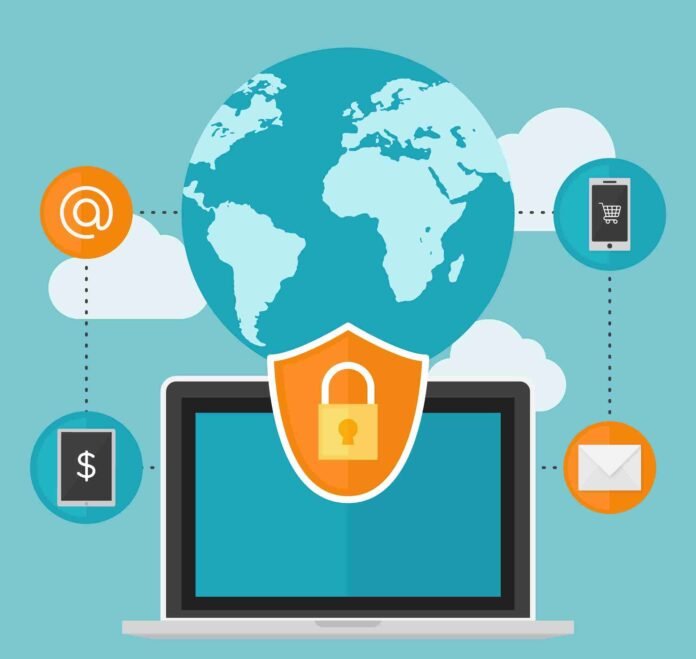

Understanding how can you protect a mobile device while traveling cyber awareness is more important than ever in 2025. With the rise of mobile payments, online booking apps, and reliance on digital maps, travelers face increasing risks from hackers, data theft, and phishing scams when away from home.
KEY POINTS SUMMARY
- Avoid unsecured public Wi-Fi whenever possible.
- Use strong passwords, biometrics, and two-factor authentication.
- Keep mobile devices updated with security patches.
- Rely on VPNs and encrypted apps while abroad.
- Stay cautious of phishing and suspicious downloads.
WHY MOBILE DEVICE PROTECTION MATTERS WHEN TRAVELING
Travelers depend on smartphones for tickets, hotel check-ins, financial transactions, and navigation. This heavy reliance makes them prime targets for cybercriminals. A single mistake, such as connecting to a malicious Wi-Fi hotspot, can expose personal and financial data.
Cyber experts emphasize that taking proactive steps reduces risks and ensures your travels remain stress-free.
COMMON CYBER RISKS FOR TRAVELERS
When you travel, cyber threats are more common than at home. Some of the biggest risks include:
- Unsecured Wi-Fi at airports, hotels, and coffee shops.
- Lost or stolen devices in crowded tourist spots.
- Juice jacking from unsafe charging ports.
- Fake SMS or emails imitating airlines, ride apps, or hotels.
PRACTICAL TIPS TO PROTECT YOUR DEVICE
The good news is that small actions provide powerful protection. Here are proven steps:
- Use a VPN to secure all online activity.
- Turn off auto-connect for Wi-Fi and Bluetooth.
- Enable biometric locks or PIN codes along with two-factor authentication.
- Update your OS and apps regularly to patch vulnerabilities.
- Backup important data in case your phone is lost.
WHAT TO DO IF YOUR DEVICE IS LOST OR STOLEN
Despite precautions, theft or loss can happen. Immediate actions matter most:
- Activate remote tracking through “Find My iPhone” or Android’s “Find My Device.”
- Lock the device remotely to prevent unauthorized access.
- Erase all sensitive data using the remote wipe feature.
- Contact your carrier to disable the SIM and block misuse.
THE ROLE OF CYBER AWARENESS WHILE TRAVELING
Cyber awareness is about habits as much as technology. Avoid downloading unfamiliar apps, double-check unexpected messages, and think twice before connecting to free hotspots.
Families should educate children about mobile safety, while professionals must follow corporate cybersecurity policies when working abroad.
STAYING SECURE IN 2025 AND BEYOND
Digital convenience while traveling comes with hidden risks. From QR-code payments to mobile hotel keys, threats are evolving quickly. That’s why knowing how can you protect a mobile device while traveling cyber awareness is essential for everyone.
Travel safely, stay alert, and protect your devices so your trip memories remain positive—not stressful.
FAQs
Q1. Should I avoid public Wi-Fi completely while traveling?
Not always, but use a VPN and avoid logging into banking or sensitive accounts.
Q2. How do I know if my phone is hacked while traveling?
Look for faster battery drain, unknown apps, or suspicious pop-ups.
Q3. Is airplane mode useful for device security?
Yes, airplane mode blocks unauthorized connections when your device is not in use.